Notion vs Evernote: Which One Fits Your Week?
Notion vs Evernote for a personal week: dated plans, notes, current prices and free plan limits, plus the same Tuesday planned in both apps.
By Ultimate Notion Planner by Cosmo Suite · Editorial policy
Published · 9 min read
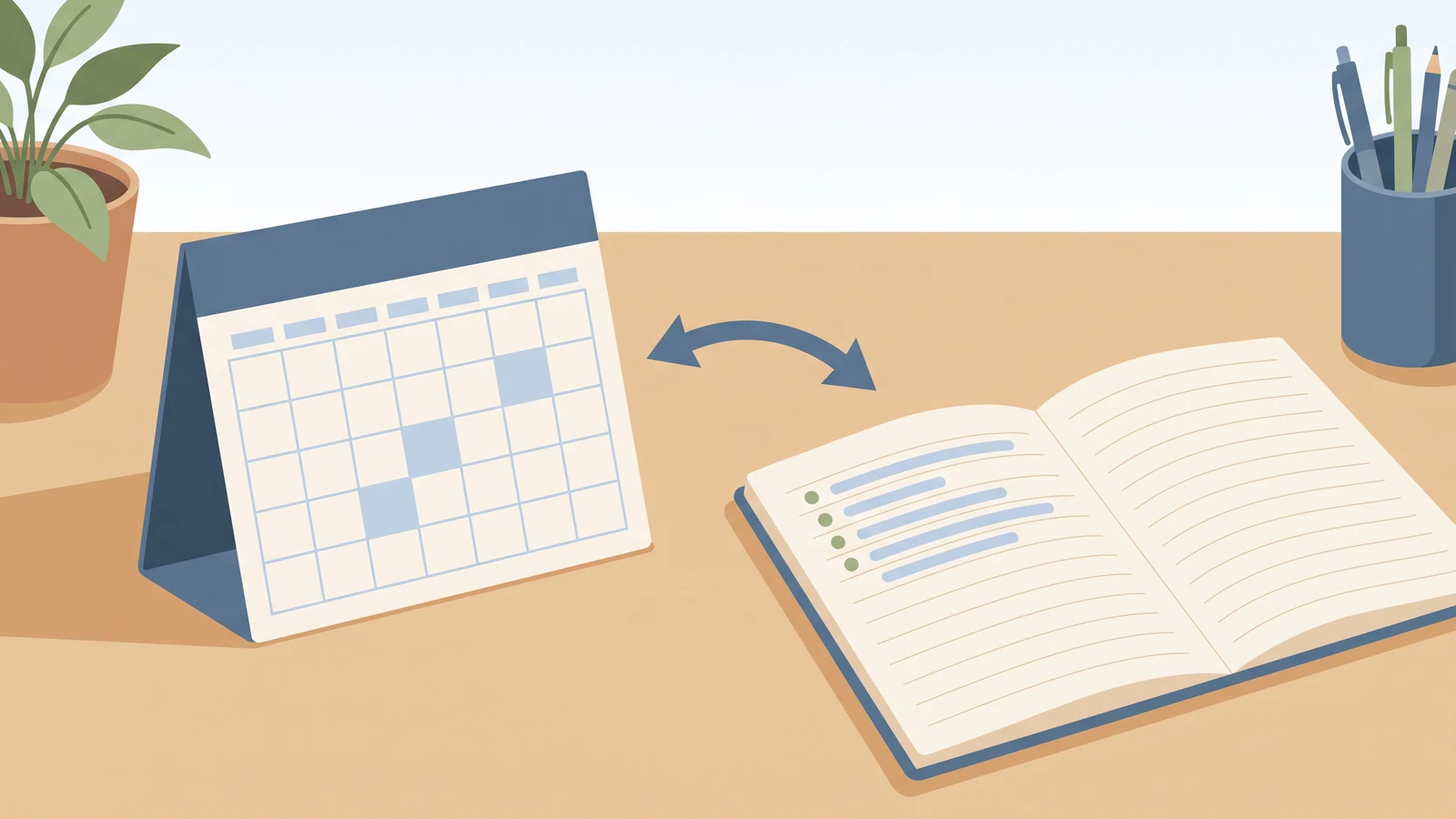
Your week is already written down somewhere: a 9:00 start, a dentist appointment on Tuesday, a gym slot after work, groceries on the way home, a bill due Thursday and a review you keep postponing to Friday. The question is which app holds that list so you can see it at a glance. Evernote has probably been on your laptop for years. Notion is the one everyone says replaced it.
If your week is mostly notes with a few dates attached, stay with Evernote. If your week is dates that need to appear on a calendar and in a list at the same time, Notion does that better, and a ready-made Notion planner template removes most of the setup. This comparison uses the vendors' own pages, checked on 20 November 2026, and plans the same Tuesday in both apps. It is not a timed speed test.
Quick Answer
- Choose Evernote if you clip pages, keep meeting notes, and want a task list attached to them with almost no setup.
- Choose Notion if the week itself is the document: dated items that show on a calendar, a list, or a table without re-entering them.
- Both start free. Evernote's Free plan has hard limits that a full week will hit; Notion's does not, for one person.
Which One, for Whom
Evernote is a notes app that gained tasks and a calendar. Notion is a page builder that gained databases. Read that way, the choice comes down to the shape your week already has.
| Your week | Evernote | Notion | Better fit |
|---|---|---|---|
| Appointments and deadlines on a grid | Calendar view beside notes, with linked notes | A database with a date property, shown as a calendar | Notion |
| Notes beside the plan | Built in, the whole app is notes | Pages and blocks inside the same workspace | Tie |
| Clipping a web page to read later | Web Clipper, the reason many people stay | Browser extension exists, less central to the workflow | Evernote |
| One dated item in several layouts | Not natively; tasks stay a list | Calendar, table, board and list from the same items | Notion |
| Setup before the first real week | Minutes | About an hour from blank, less with a template | Evernote |
| Free plan for one person | 50 notes, 1 notebook, 1 device | No block limit stated for one member | Notion |
The pattern is consistent: Evernote is faster to start and better at holding what you read. Notion is better at holding what you plan. If you want a deeper look at how Notion arranges a week, our Notion planner guide walks through the month, week and day pages.
What Each App Is Built to Hold
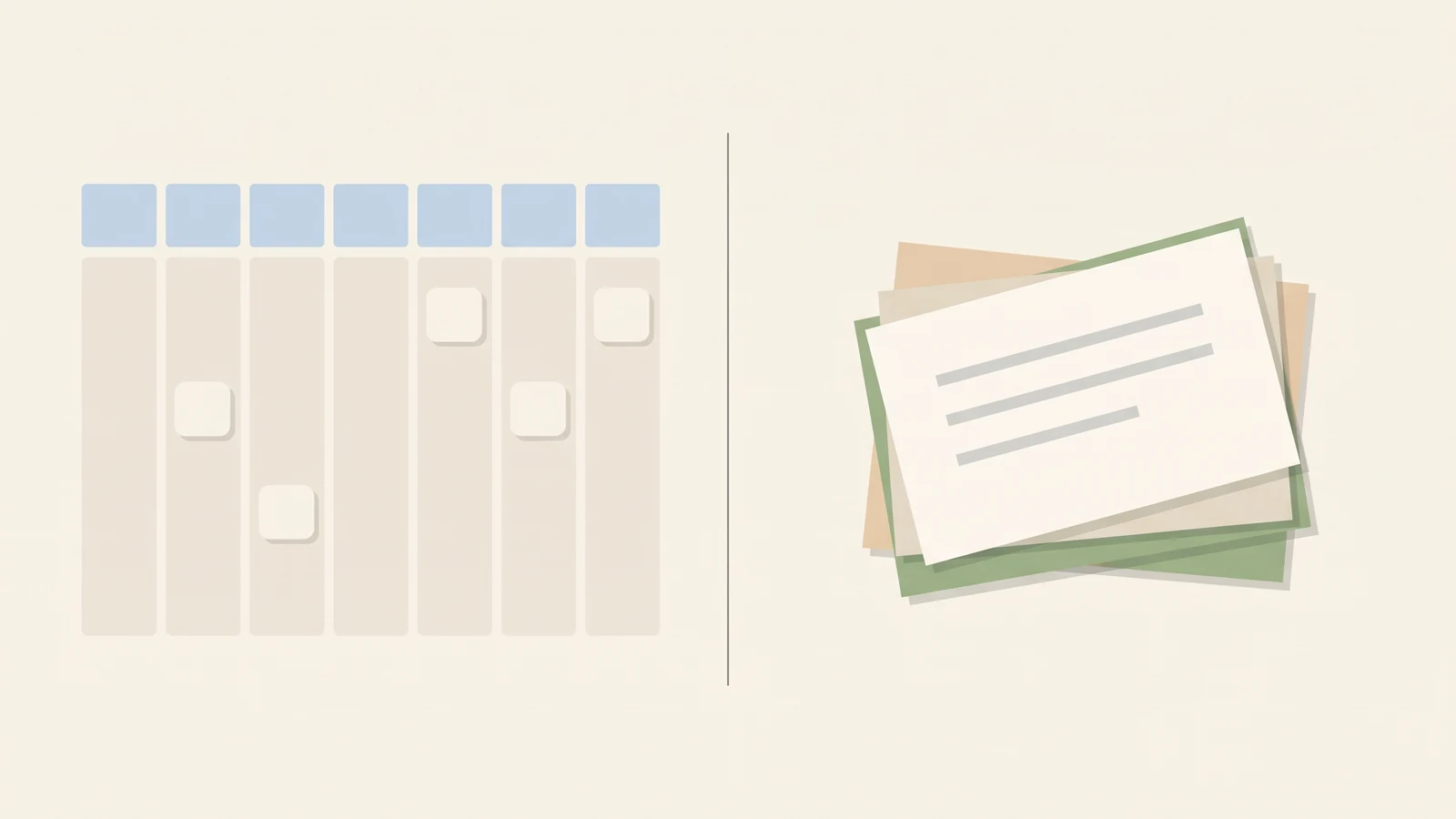
Evernote is a notes app with tasks and a calendar added to it. A note lives in a notebook, carries tags, and can hold a task. Evernote describes its tasks as living inside notes, with due dates, recurrences and reminders (Evernote Tasks). That design is why capture is fast. You open a note, you write, you are done.
Notion is a workspace of pages and databases. A database is a set of pages that share properties, and one of those properties can be a date. Notion's calendar view uses that date property to place items on a grid, and the same items can also be shown in other views (Notion calendar views).
A date property is a field on a database item that holds a calendar date. It is the piece that turns a list of tasks into something a calendar can draw. Evernote has due dates on tasks and event dates in its calendar. Notion has dates on items, and every view reads from the same field.
That difference decides a weekly plan more than any feature list. In Evernote, a Tuesday appointment is a line in a note or a task with a due date. In Notion, it is an item with a date, so it appears on the calendar view, in the list of this week, and in the table of everything due, all from one entry. Move it to Thursday and every view agrees.
Neither design is better in the abstract. A planner asks you to date things first and write about them second, and only one of these two apps treats the date as a field you can filter on.
How the Same Week Looks in Each
Take one ordinary Tuesday. Work starts at 9:00. The dentist is at 12:30 and may want a follow-up. The gym is after work. Groceries are on the way home. Add a bill due Thursday and a weekly review you keep pushing to Friday. Imagine you open both apps on Monday morning and want the week to answer three questions at once: what is fixed, what can move, and what is still unscheduled.
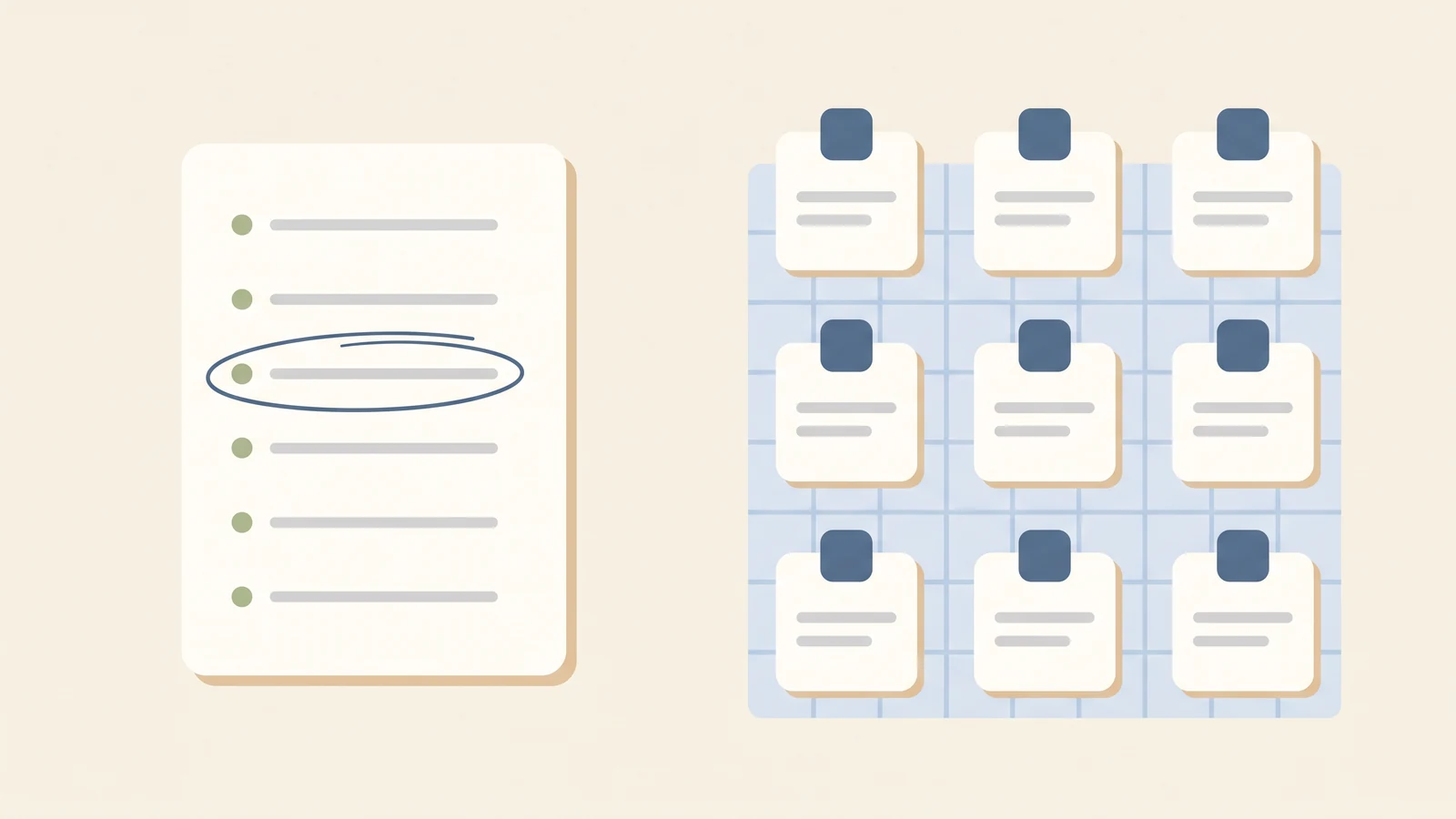
In Evernote, you would open a note for the week, write the four Tuesday items with their times, and put the dentist details underneath. The bill becomes a task with a Thursday due date and a reminder, because Evernote tasks support both. The Friday review is a second task, or a line you copy into next week's note by hand.
In Notion, each of those is an item with a date in one database. The calendar view shows the week with the bill on Thursday and the review on Friday. A list view filtered to this week shows the same items as a checklist. The dentist note sits inside the item, so the follow-up detail travels with the appointment.
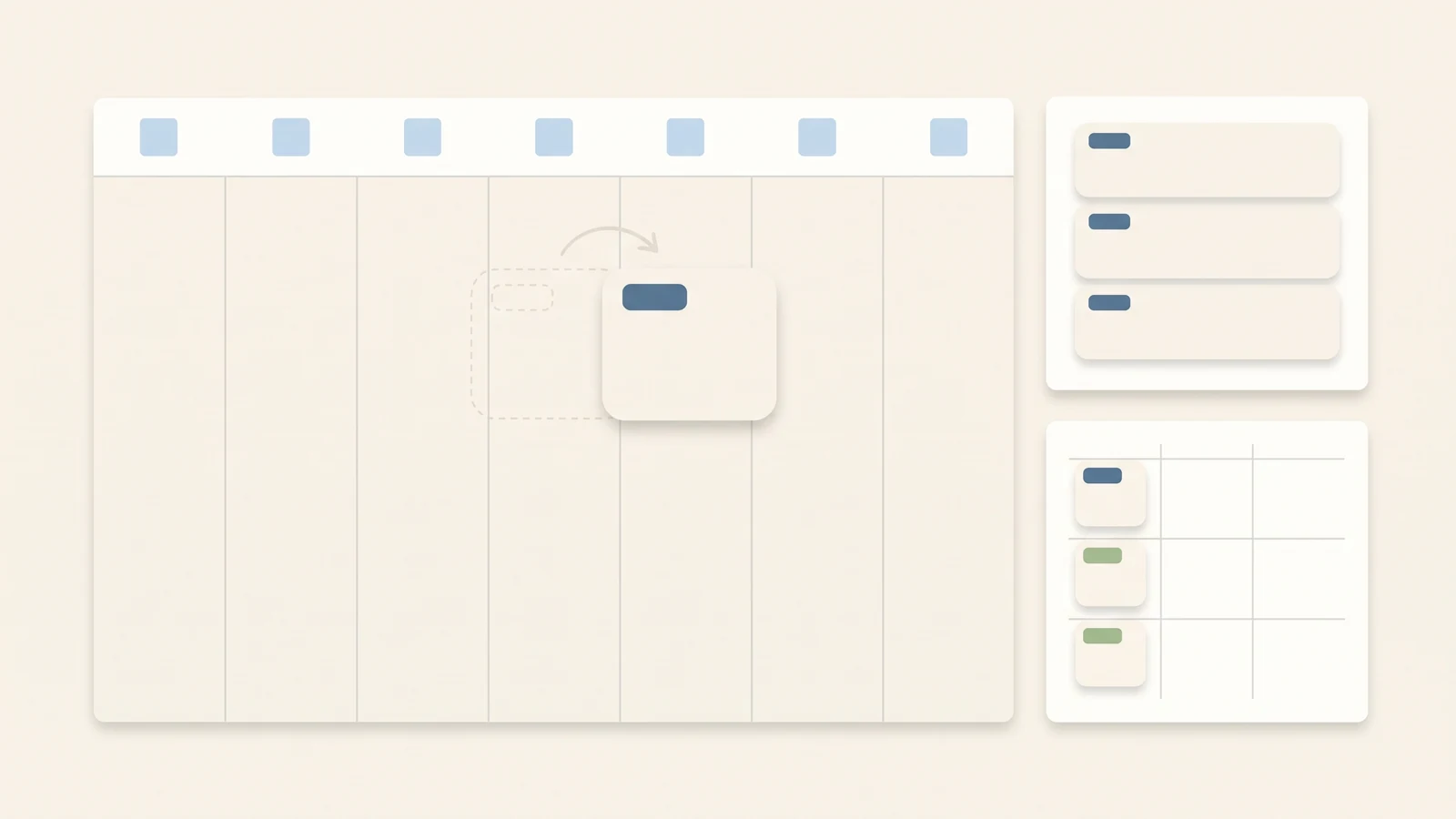
Now the appointment moves. In Evernote you edit the note or the task date, and if you also keep a separate calendar, you edit that too. In Notion you change one date and the calendar, the list and the table all show Thursday. This is the single biggest practical difference between the two for planning, and it is invisible in a feature table.
There is a cost on the Notion side, and it is setup. Building that database, its date property and its views from a blank page is an evening's work if you are new. Evernote asks for none of it. If you want the comparison on the notes side, our Notion vs OneNote breakdown covers the same trade in a different pair of apps.
What Each Costs After the First Month
Both apps are free to start, and both free plans have a shape that matters once a week is full.
Evernote's plan table, read on 20 November 2026, sets Free at 50 notes, 1 notebook, 1 synced device and 1 GB of storage. Starter allows 1,000 notes, 20 notebooks, 3 devices and 5 GB, at $14.99 a month or $99 a year. Advanced removes the notebook and note caps and costs $24.99 a month or $249.99 a year. External calendars are limited to 1 on Free and 5 on Starter and Advanced (Evernote plans).
Fifty notes sounds like a lot until you keep a note per week for a year and clip pages you mean to read. One synced device is the sharper limit: a phone and a laptop is already two.
Notion's pricing page, read the same day, lists Free at $0 and Plus at the per-member monthly rate the page showed. On 20 November 2026 the page defaulted to euros at €9.50, and it notes up to 20 percent saved with yearly billing. The Free plan states that its page and block limits apply to workspaces with two or more members, caps file uploads at 5 MB each and keeps page history for 7 days. It also lists offline access for pages you choose to download (Notion pricing).
For one person, that is the practical difference. A personal planner is text, dates and a few small images. It fits inside Notion's Free plan without paying anything. The same week in Evernote leaves the Free plan the moment you own two devices or pass fifty notes.
| Evernote Free | Evernote Starter | Notion Free | |
|---|---|---|---|
| Notes | 50 | 1,000 | No member limit stated |
| Devices synced | 1 | 3 | Apps on web, desktop and mobile |
| Storage | 1 GB | 5 GB | 5 MB per file |
| External calendars | 1 | 5 | Notion Calendar, separate app |
| Price | $0 | $14.99 monthly, $99 yearly | $0 |
If you compare three years, the numbers are stark. Starter at $99 a year is $297 over three years. Notion Free with a one-time $9 template is $9. That is not an argument that Evernote is overpriced, because it does jobs Notion does not. It is an argument for checking which jobs you actually use before you subscribe.
Where Evernote Is Better
Evernote is better at capture, and it has been for years. The Web Clipper saves a page, a recipe or a receipt in two clicks, and Evernote's search finds text inside saved pages, including handwriting on images. Consider a Sunday evening spent saving three recipes and a warranty PDF. In Evernote that is three clicks and a search that will find the warranty number in March. Notion can hold the same material, but you feel the difference when you are saving things rather than planning them.
It is also better when the note is the point. A meeting record with decisions and follow-ups belongs in a note, and Evernote puts the task right there in it. In Notion you decide where the task lives, which is flexible and also a decision you make every time.
The Calendar feature is genuinely useful and worth stating plainly: Evernote links notes to events, offers a one-click meeting note with the event details, and can remind you to take notes around a meeting (Evernote Calendar). For a week made of meetings, that is a better fit than a database you maintain yourself.
Choose Evernote if your planning is really note-taking with dates on it. Choose it especially if you already have years of notes there, because migrating them is the real cost of switching, not the subscription.
Where Notion Is Better
Notion is better when the week has to be visible as a week. One dated item, several views: that is the whole advantage, and it compounds over a month. The calendar view shows the shape of the month, the list view shows what is left this week, and the table shows everything with a status. Change a date once and all three follow.
It is also better at repetition. Notion's repeating database templates create a fresh entry on a schedule, daily, weekly, monthly or yearly (Notion database templates). A weekly review that reappears every Friday without being copied is a small thing that you notice by week four.
And it is better at holding the parts of life that are not notes: a habit tracker, a budget line, a goal with a target date. Those are rows in a database, not documents. If your planner has to hold them next to the calendar, Notion is the only one of the two built for it.
The trade is real. Notion rewards a little structure and punishes none. A workspace with no date property is a folder of pages, and a folder of pages will not tell you what Thursday looks like.
Why Trust This Article
Cosmo Suite sells the Ultimate Notion Planner, so we have an interest in Notion being a fit for planning. This comparison uses Evernote's plans, tasks and calendar pages and Notion's pricing and help pages, all opened on 20 November 2026. We did not run a timed test of either app. Prices, plan limits and features change, so confirm them on the linked pages before you pay. Read our editorial policy for how we check articles, see who publishes this site if you want the company behind it, or use the contact page to report a correction.
How the Ultimate Notion Planner Fits In
If you choose Notion, the setup is the part that stops most people. The Ultimate Notion Planner is a template you duplicate into your own Notion account, so the database, the views and the pages already exist.
It includes a central dashboard with a master calendar, plus daily, weekly and monthly planning pages. Goal tracking, a habit tracker and wellness templates come with it, as do finance and productivity trackers. There are light and dark themes with customizable widgets, and a setup guide with a YouTube tutorial. The calendar connection is a manual Google Calendar link shown beside your planner pages, not a two-way sync.
It costs $9 once, according to the product details, and runs inside Notion's Free plan. If a week that already has its calendar, its list and its review pages built would save you the evening of setup, see what the Ultimate Notion Planner includes. If your week lives mostly in notes you clip and write, Evernote is still the better tool for it.
Frequently asked questions
Is Notion a good replacement for Evernote?
Only for the part of your week that has dates. Notion holds dated items in a database and shows them as a calendar, a list or a table, which Evernote does not do natively. Evernote still wins on web clipping, search across saved pages, and writing a note in one click. If most of what you keep is reference material, moving it to Notion is a downgrade.
Can Evernote show a calendar of my tasks?
Evernote has a Calendar view that connects your Google or Microsoft calendars and links notes to events, and Tasks carry due dates and reminders. That is a calendar beside your notes, not a dated list of tasks shown on a grid. To see your own tasks laid out across a week, you still read a task list.
How much does Evernote cost now?
Evernote's plans page listed Starter at $14.99 a month or $99 a year, and Advanced at $24.99 a month or $249.99 a year, when we checked on 20 November 2026. The Free plan stays at $0 with hard limits: 50 notes, 1 notebook, 1 synced device and 1 GB of storage.
Is Notion's free plan enough for one person?
Usually, yes. Notion lists its Free plan at $0 and the page states the page and block limits apply to workspaces with two or more members. Files upload up to 5 MB each and page history is 7 days. For a personal planner holding text, dates and small images, those limits are rarely reached.
Do I need to learn Notion first?
No, but you need about an hour. A blank Notion page is not a planner: you add a database, a date property and a calendar view before it holds a week. A ready-made template skips that build. If you would rather not learn any of it, Evernote needs almost no setup and shows you a notebook immediately.
Which one is better for planning a week?
It depends on what your week is made of. If it is appointments, deadlines and errands that move around, Notion is easier to keep accurate because you change a date once and every view follows. If it is notes, meeting records and clipped pages with a few tasks attached, Evernote is quicker to open and quicker to write in.
Sources
Keep reading
Notion vs Other Apps
Notion vs Obsidian for Planning Your Week: Which One Fits?
Notion vs Obsidian, judged only for planning a week: calendar views, recurring tasks, phone use and three-year cost, plus when Obsidian is the better pick.
· 8 min read

Notion vs Other Apps
Notion vs OneNote for Planning a Week: Which Fits?
Notion vs OneNote: Compare a real weekly plan, calendar views, recurring tasks, notes, free plans, and when OneNote is the better fit for you.
· 8 min read

Notion vs Other Apps
Notion vs ClickUp for Personal Planning: Which Fits Your Week?
Notion vs ClickUp for personal planning: compare calendar views, recurring tasks, setup and free plan limits before moving your weekly routine.
· 8 min read